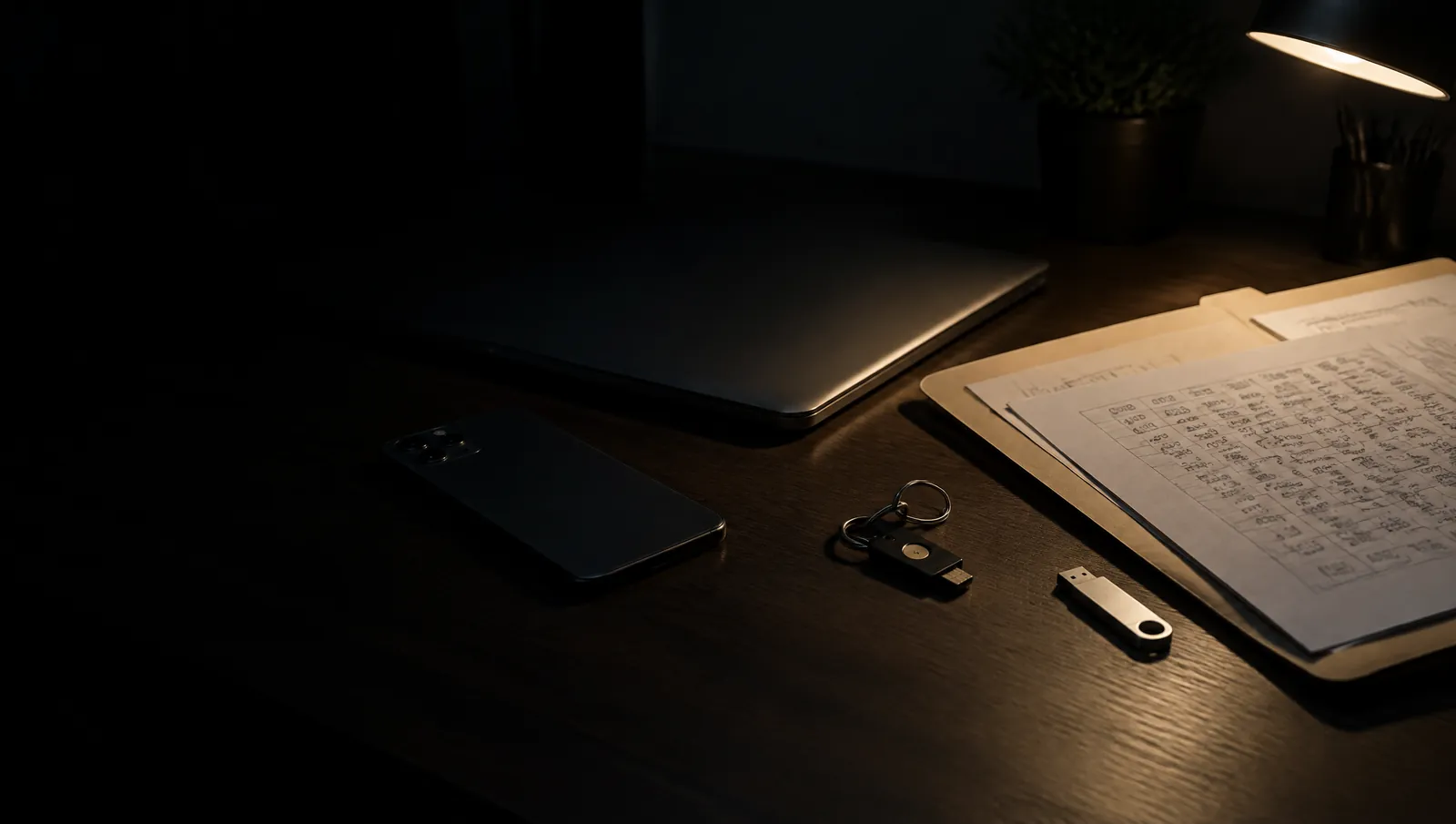
Cybersecurity at homeLock your accounts
before someone else tries them.
Every account locked, the codes on paper, your records backed up offline.
What to lock first
Start with your email: it can reset every other account.
- EmailThe main inbox and its recovery address
- MoneyBank, cards, pension, payment apps
- Phone numberA SIM PIN, and a number lock where offered
- CloudPhotos, files, device backups
- SocialThe accounts people trust a message from
- Home networkRouter, laptop, phone, smart devices
How to lock them
Use a password manager: an app that keeps a different strong password for every account, so you only have to remember one.
Turn on two-step login with an app or a security key: a code sent by text follows your number to a new SIM, and an app or a key does not.
Print the backup codes: if you lose the phone, they are the only way back in.
Install updates when your phone, laptop or router asks: most break-ins use known flaws that the update already repairs.
If your bank calls or texts, hang up and call it back: use the number on your card, because scammers pretend to be the bank to get your codes.
A printed backup code is a key: keep it with your documents, never in your wallet.
Keep a copy offline
Download it and print it: a record you hold yourself cannot be locked or deleted.
- StatementsBank, card, pension, loans
- InsurancePolicies, policy numbers, claim lines
- What you ownRoom photos, receipts, serial numbers
- LoginsThe password record and the backup codes
- ContractsMortgage or lease, utilities, phone
- TaxReturns, payslips, proof of income

The plan on paper
The Paranoid Action Plan: every account and copy on one sheet, filled in by hand.
01Emergency Action Plan
The first minutes, as steps: get safe, decide to stay or go, then act. Fill in your out-of-area contact and meeting points once, before you need them.
02Documents and Financial Checklist
Identity, money, insurance, property and medical papers, and where every copy lives. When you have to leave, you already know what to take.
03Evacuation Bag Checklist
A complete checklist for building your bag, from water and shelter to a way to call for help. Use it to pack the bag once, then to check it each time you rotate it.
04First Aid Kit Checklist
From bleeding control to the medicines your own family needs. Check it against your kit and replace what has run out or expired.
05Emergency Food Supply Checklist
Water, staples, proteins, cooking, and everyone else who eats from the stock. Store what you already eat, so it rotates without effort.
06Growing and Preserving Checklist
Space, seed, tools, preserving, storage, foraging, animals and bees. For food that keeps coming after the stock runs out.
What governments advise
National cyber agencies agree on the core steps.
United States
CISA names four steps: use strong passwords, use multifactor authentication and a password manager, update software, and avoid and report phishing.
United Kingdom
The NCSC’s Cyber Aware names six: a strong, separate password for email, three random words, a password manager, two-step verification, updates and backups.
Australia
The ACSC starts with updates, multi-factor authentication on the most important accounts first (email, banking, social media), regular backups and passphrases.
European Union
ENISA advises strong, unique passwords kept in a password manager, two-factor authentication, and checking whether your accounts appear in known data breaches.
Elsewhere
Your national cyber agency or computer emergency response team publishes the same core steps. Report fraud to it and to your bank.
Checked 1 November 2026 against cisa.gov, ncsc.gov.uk, cyber.gov.au and enisa.europa.eu.
Questions
- What should I secure first?
- Your email: a new password, two-step login and printed backup codes. Every other account can be reset through it.
- Is two-step login by text message enough?
- It is far better than nothing. An authenticator app or a security key is stronger, because a text follows your number if someone moves it to a new SIM.
- Where should I keep backup codes?
- Printed, with your important documents, ideally in a fire and water safe. Not in your wallet, and not only on the phone they protect.
- Which records should I keep printed?
- Recent bank and pension statements, insurance policies with their claim numbers, tax returns and photos of what you own. Download them on a fixed date each year.